
Introduction
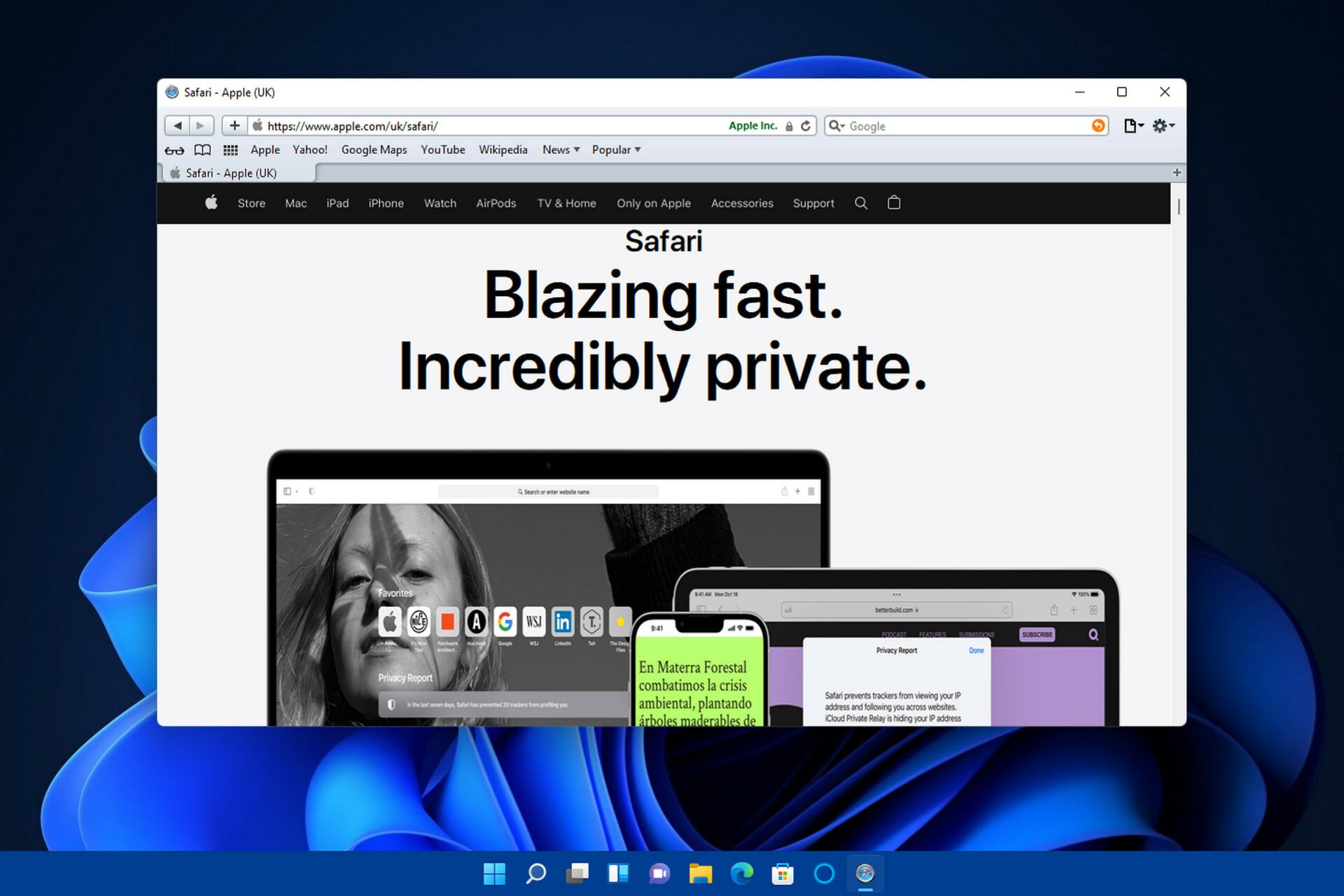
Ensuring а consistent user experience across different browsers and devices is critical for any website or web application’s success. However, with Safari for Windows no longer being officially supported after version 5.1.7 released in 2012, cross-browser testing and compatibility validation on the platform remains а persistent pain point.
As one of the most popular browsers globally with а sizable market share, Safari testing is essential to reach Apple ecosystem users. But lacking native access to macOS devices makes comprehensively testing and debugging Safari-specific issues notoriously difficult for QA teams.
Thankfully, by adopting cloud-based testing solutions like LambdaTest, there is still hope for streamlined Safari testing without requiring expensive Macs. LambdaTest’s online browser testing capability enables Windows developers to validate website functionality, layout, and performance on all Safari versions and iOS through simple automation scripts.
The Challenges of Testing Safari on Windows
With its own proprietary WebKit rendering engine and tight integration across Apple’s product portfolio spanning iPhones, iPads, MacBooks and more, Safari behaves uniquely compared to other mainstream browsers. Websites and web apps designed primarily targeting Chrome or Firefox can display unexpectedly on Safari due to differences in supported features implementation status.
Additionally, Apple aggressively pushes new web standards not uniformly adopted by all browser vendors yet. Combined with Safari’s faster release cadence, websites validated to work today can unexpectedly break tomorrow without having safety nets in place.
However, validating website functionality continually on Safari poses manifold challenges for developers working on Windows machines:
No official Safari browser available natively post version 5.1.7
Safari is developed by Apple primarily for their own macOS and iOS platforms. The last available version for Windows was Safari 5.1.7, released in 2012. Since then, there have been no updates or official support for Safari on Windows by Apple.
This poses а major compatibility testing challenge since the legacy Safari 5.1.7 version is severely outdated at over 10 years old now. It does not support modern web standards and technologies that have emerged in the past decade. Newer Safari versions have ushered in improved standards support along with privacy and security enhancements for users.
With no official releases past 5.1.7, Windows developers lack the ability to test websites locally on current Safari browsers reflecting real-world usage. The outdated available version often fails to expose code issues that would surface for end users on up-to-date Safari. Forcing developers to rely on makeshift workarounds instead of native validated environments.
Lack of access to latest Safari technical previews to test upcoming browser changes
Unlike other major browsers like Chrome and Firefox that frequently issue developer and beta previews, Apple does not provide early access to upcoming Safari technical previews. This prevents web developers and testers on Windows from validating websites against features or changes planned for next Safari versions.
With Apple announcing major updates yearly at events like WWDC, the inability to test preview builds leaves website compatibility at risk. Updates often relate to improved standards support, security fixes, bug resolutions or deprecation of unsafe legacy browser capabilities. Lack of forewarning around such changes means developers stay unaware of future compatibility issues.
By the time the Safari updates ship officially, it becomes too late to address any breaking issues proactively since users would already be impacted in production. Having access to technical previews would prevent such scenarios, apart from allowing time to implement any required fixes before release.
Inability to test mobile Safari on iOS without actual devices
While macOS virtual machines allow sandboxed testing of desktop Safari versions to an extent, validating the iOS variant requires actual iPhone or iPad devices. Emulators and simulator tools fail to provide the same level of accuracy since they cannot replicate the intricate software and hardware conditions of real iOS devices.
Certain compatibility issues arise exclusively due to the interplay between Safari and other native iOS components. For instance, integration issues with Siri, Universal Links, Apple Pay and other proprietary features can only be detected reliably through testing on physical iOS devices. Performance profiling and battery usage testing also proves unrealistic in simulated environments when attempting to optimize mobile sites specifically for Safari.
No native debugging support for Safari on Windows using DevTools
Safari Developer Tools such as the Web Inspector provide rich debugging capabilities on macOS including DOM inspection, CSS modification, JavaScript debugging, auditing and more. However, the DevTools remain unavailable officially for testing or troubleshooting website issues on Windows Safari variants.
While third-party extensions like Debugger for Safari seek to bridge this gap, they lack the sophistication and tight browser integration Apple’s native tools offer. Limited debugging support affects the ability to efficiently diagnose Safari-specific layout, scripting and functionality errors when testing websites. This leaves Windows developers at а significant disadvantage for streamlined cross-browser testing workflows.
Testing complexity multiplied across Safari versions and on macOS variants
Between the iOS and desktop variants, Safari testing needs to be comprehensively conducted across multiple versions to account for discrepancies in web standards support. However, fragmentation exists on macOS too, needing consideration.
Apple offers Safari tailored across macOS editions including Ventura, Monterey and Big Sur targeting mainstream users alongside niche platforms like Mac Pro. Under the hood, even Safari branding may differ based on hardware such as MacBook Pro vs iMac. Coupled with variance in OS editions, testing safely requires validating websites across the matrix of Safari-macOS combinations to avoid version-specific bugs being missed.
The inability to test Safari effectively leads to browser-specific defects either slipping uncaught into production or catching teams off-guard after launch.
Overcoming Compatibility Roadblocks With LambdaTest
Thankfully, with cloud-based testing solutions, Windows developers can validate website functionality on Safari conveniently minus needing to actually own Mac devices. LambdaTest provides instant and unlimited access to various versions of Safari through its online browser testing platform and QA.
Using LambdaTest, developers can:
Test the latest Safari Technical Previews using macOS Ventura machines
LambdaTest provides access to а comprehensive range of real Apple devices and machines running the latest operating systems. This includes prototyping Safari releases and Safari Technology Preview versions bundled with the upcoming macOS Ventura.
Developers can test against these new Safari builds to validate that their web experiences will continue working as expected when users upgrade their systems. Any compatibility issues or rendering discrepancies spotted early during pre-release can be proactively fixed before the official macOS and Safari stable updates reach end consumers.
Rather than maintaining expensive local labs, teams can utilize LambdaTest’s cloud-hosted Apple hardware grid on demand. This provides easy access for confirming website functionality without additional equipment overhead. Automated scheduling and intelligent test distribution ensure optimal utilization even for large-scale test matrices spanning many Safari configurations.
Debug mobile Safari on iPad and iPhone devices directly
While the desktop Safari browser presents one testing frontier, the mobile version on iOS poses additional compatibility challenges. LambdaTest simplifies mobile testing by providing instant remote access to real iPhones and iPads.
Instead of round-tripping defects between developers and separate QA teams, coders can self-validate UI behavior and pinpoint issues through integrated mobile debuggers. Inspecting the rendered DOMidentify problems more rapidly during the development cycle rather than after functionality is considered “complete”.
Tapping into actual touch events on tablets and phones uncovers usability issues arising from real-world gestures and orientations. Teams verify mobile sites are responsive across latest-generation devices via LambdaTest before reaching customers, avoiding potential embarrassment over high-profile defects escaping into production.
Automate testing Safari across multiple operating systems including Windows
LambdaTest readily integrates with popular test automation solutions like Selenium, Cypress, and Playwright. Engineers can leverage these familiar frameworks to script functional validation sequences once and execute repeatedly across the platform’s 3000+ browser testing configurations spanning various versions of Safari on both macOS and Windows.
Build pipelines codify these automated checks as part of continuous integration workflows, acting as safety nets for pull requests. Tests running in parallel dramatically accelerate the verification of core website capabilities pre-merge. Automation ensures that even the highly dynamic Safari rendering engine does not subtly break vital site elements over time.
Perform visual regression testing through detailed image analysis
Rendering engines like Safari’s WebKit introduce slight visual discrepancies across versions that functional tests may miss. LambdaTest Screenshots simplify validating consistent UI appearance by capturing full-page images during test execution for visual review.
Advanced computer vision algorithms automatically compare baseline and result screenshots to detect layout shifts, contrast changes, or misalignment issues. Pixel-level insights make it easy to spot barely perceptible defects overlooked during manual checks.
Benchmark site performance across Safari vs Chrome or Firefox
While compatibility remains vital, real-world user satisfaction also depends on application speed. LambdaTest provides network throttling profiles replicating slow 3G connections up to flaky cable conditions. Performance under adverse conditions is measured across Safari, Chrome, Firefox to benchmark relative optimizations.
Detailed logs track page load sequences, highlighting assets causing bottlenecks. Teams diagnose slowdowns arising from browser interpretation versus server-side scaling constraints. Integrating metrics gathering during daily test automation identifies performance regressions rapidly for prompt investigation.
Optimizing site responsiveness based on data ultimately boosts Safari adherence alongside keeping users happily engaged as they browse sites leveraging LambdaTest for quality browser testing.
Integrate with CI/CD pipelines enabling early detection of emerging cross-browser bugs
Rapid release workflows mean frequent code changes risk introducing subtle browser-specific defects over time. LambdaTest plugs into prevailing DevOps ecosystems like Jenkins, CircleCI, AWS CodeBuild etc to bake multi-browser validation right into build processes.
Automating cross-browser compatibility checks on Safari and other critical engines after each commit quickly surfaces inconsistencies. Detecting problems pre-deployment reduces future technical debt arising from patches post-release.
With LambdaTest enabled for continuous testing, teams confidently maintain velocity while producing web experiences compliant across Safari desktop and mobile variants. Consumers enjoy flawless sites resilient to rapid evolution thanks to robust quality safeguards.
Wrapping Up
Validating website compatibility on Safari is crucial given Apple’s ecosystem significance and loyal user base. Cloud testing platforms deftly overcome Windows developers’ limitations around Safari testing by providing instant access to various versions of the browser on genuine Apple hardware. By incorporating solutions like LambdaTest into their workflows, teams can shift left on QA and pinpoint Safari specific defects much earlier through comprehensive automation.
This allows organizations to deliver pixel-perfect experiences uniformly across Safari and other mainstream browsers. LambdaTest’s online access and automation capabilities provide hope for simplified cross-browser testing even for difficult environments like Safari for Windows.


